Invoices
Here TigerGraph Savanna users can check, reference, and export their invoice information.
View and Export an Invoice
To get started with Invoices follow the steps below:
-
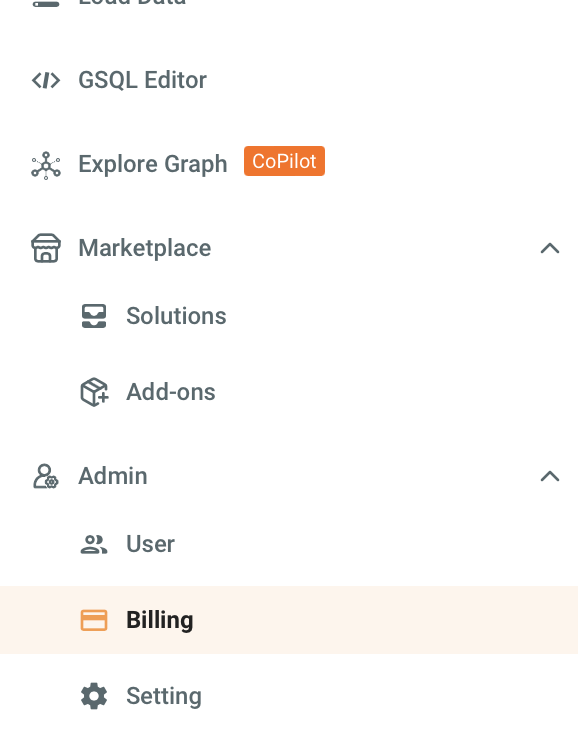
Navigate to the Billing tab in the left navigation.
-
Select the Invoices tab to view the invoices list.
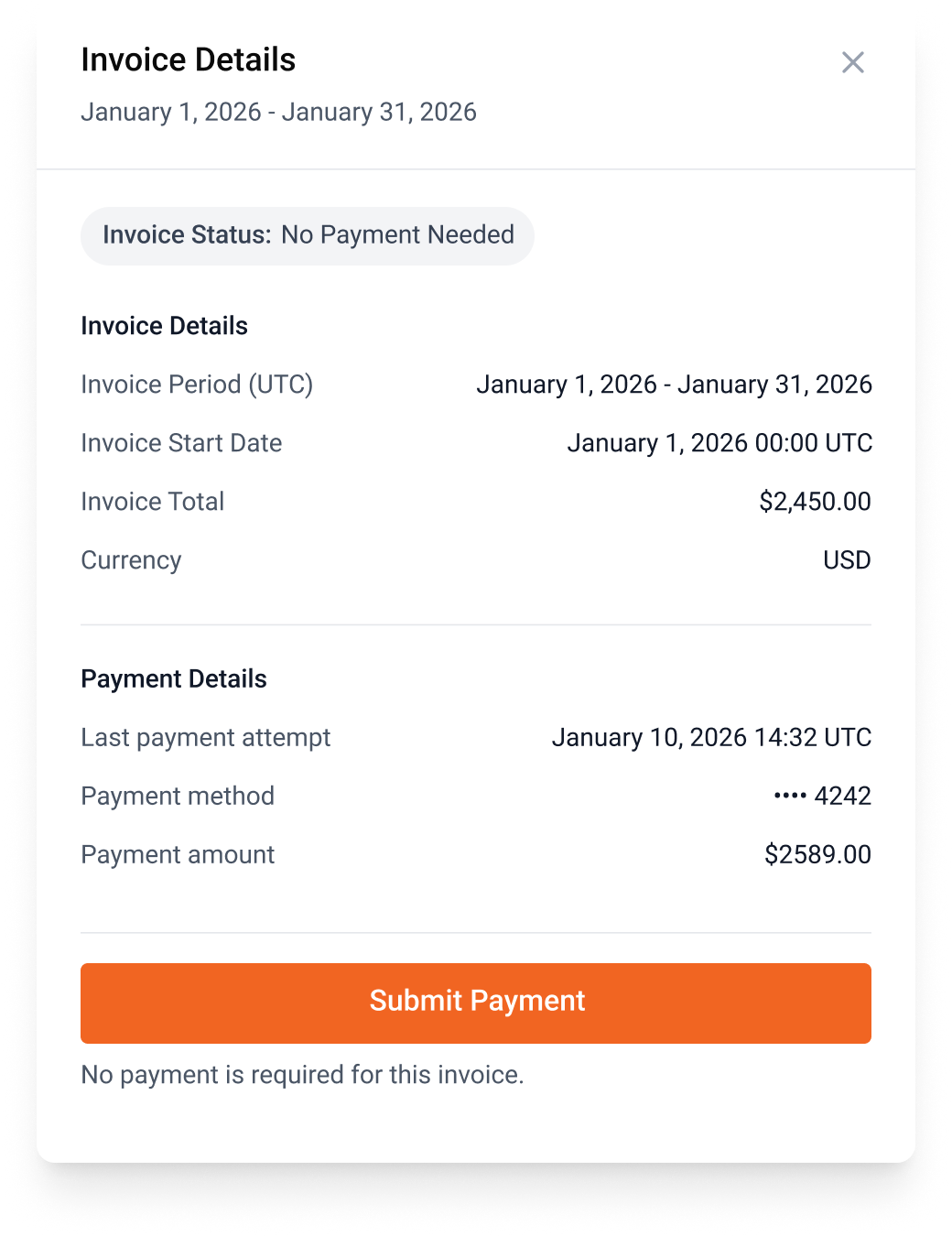
 Here you can view general information on invoices, such as:
-
Invoice Date: The date the invoice was issued.
-
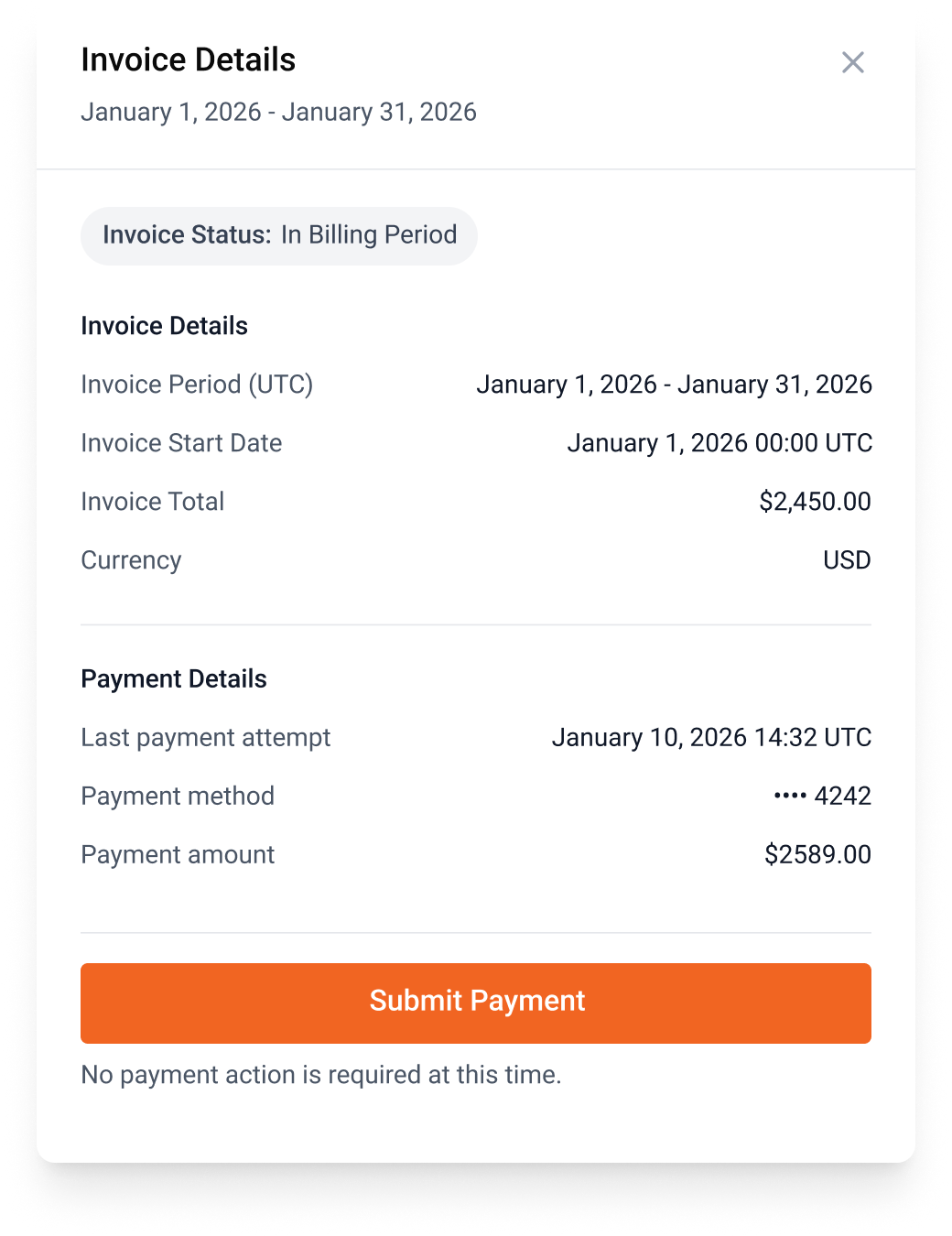
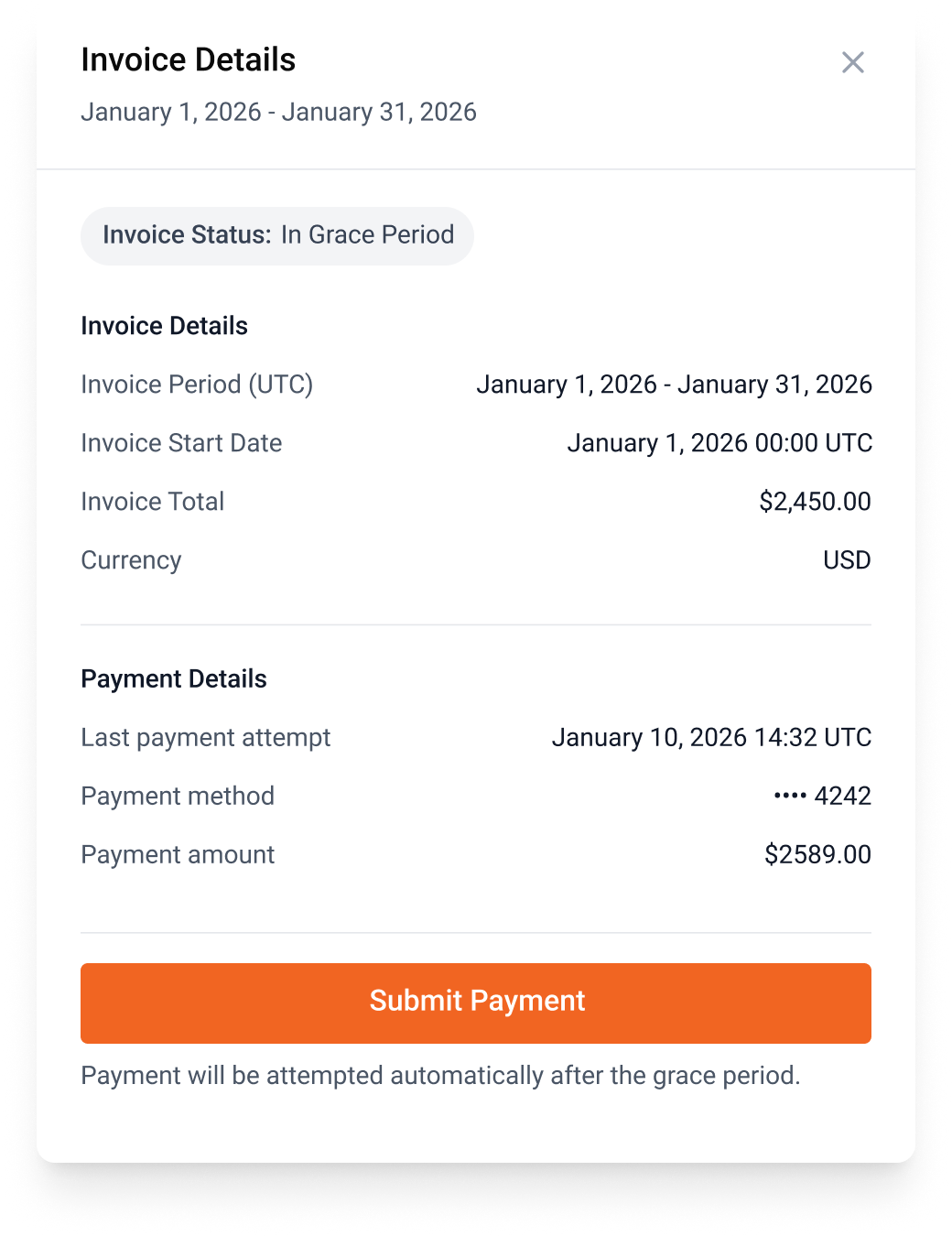
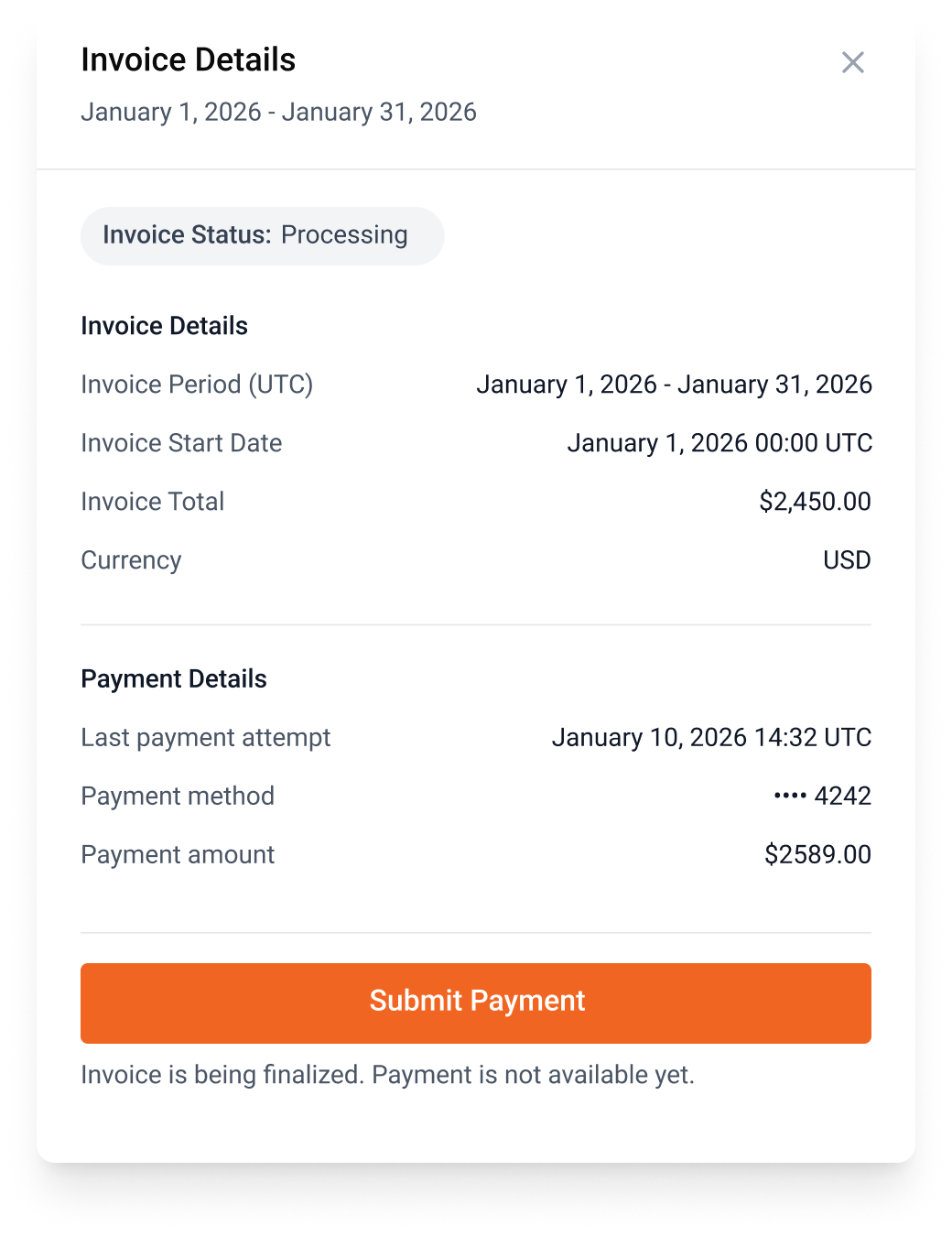
Invoice Status: The status of the invoice.
-
Invoice Period: The period that the invoice was issued in.
-
Total: Total charge during that invoiced period.
-
-
To export a specific invoice as a
.pdfselect the PDF button under Export As.
Invoice status
Next Steps
Next, learn about other billing topics on the Billing Overview page or check out the Resources section.
Return to the Overview page for a different topic.